07 · Common workflows
The chapters before this one document the platform screen by screen. This chapter is the other way in: start from what you are trying to get done, and follow the steps across whatever screens it touches. Each workflow links back to the reference sections for detail.
Benchmark a proposal end to end
Get an analyst benchmark on a vendor quote or contract, from upload to a report you can forward.
Steps
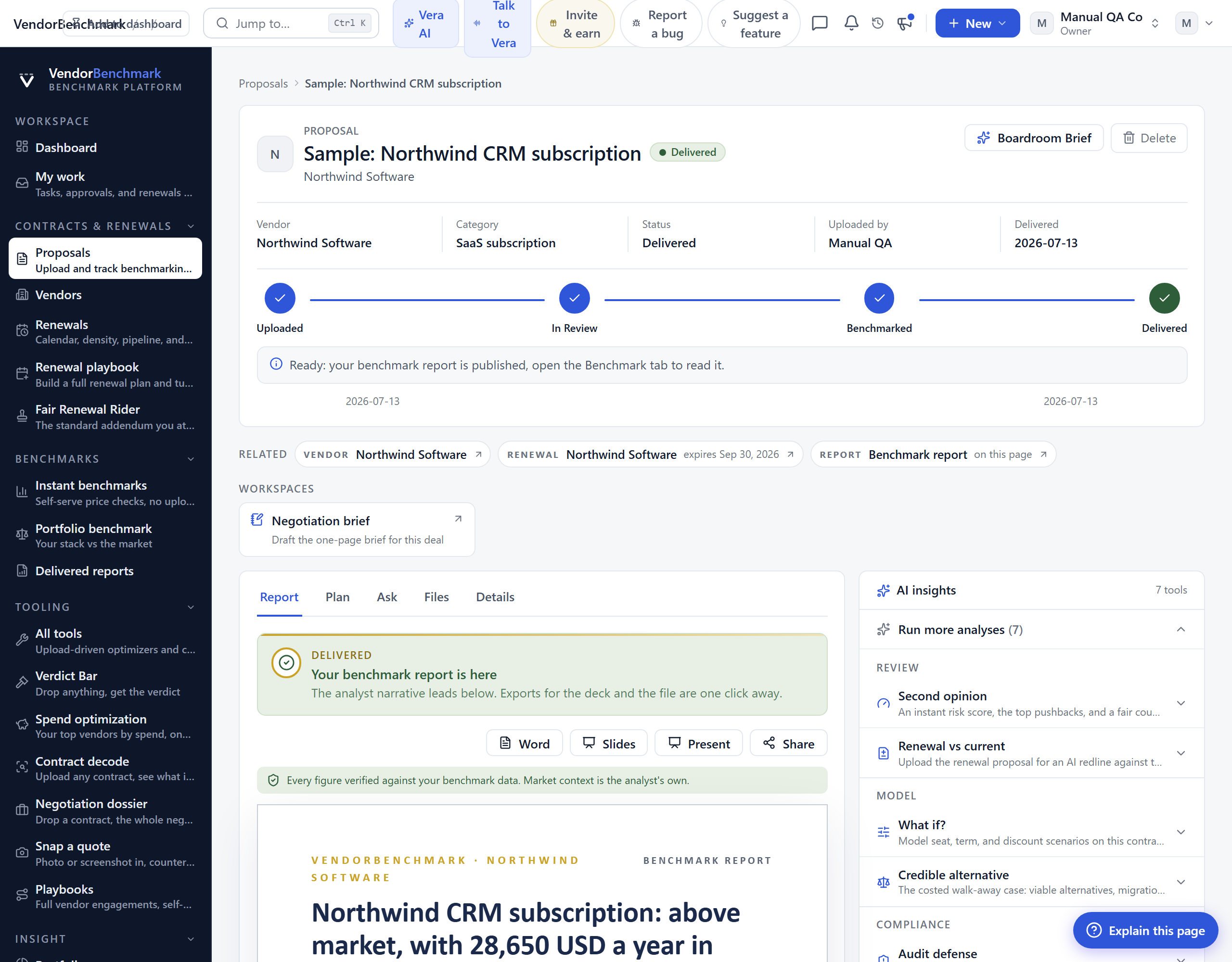
- Open Proposals and choose Upload a proposal.
- Pick the vendor and contract type, add your question (for example "is this renewal uplift fair?"), and drag in the PDF or DOCX.
- Submit for review. The proposal moves along the path Uploaded, In review, Benchmarked, Delivered. You are emailed when the report is ready.
- While you wait, run an instant benchmark or an AI redline scan on the same document for an immediate read.
- When it lands, open Delivered reports: walk the metrics table, the percentile bars, and the analyst summary, then download the PDF or Word version.
See also: Proposals · Delivered reports
Get an instant price read, no upload
When you need a number in minutes rather than a full analyst report.
Steps
- For a quick self-serve check, open Instant benchmarks, pick the vendor tool, answer a few questions about your deal, and read where it lands against the peer cohort.
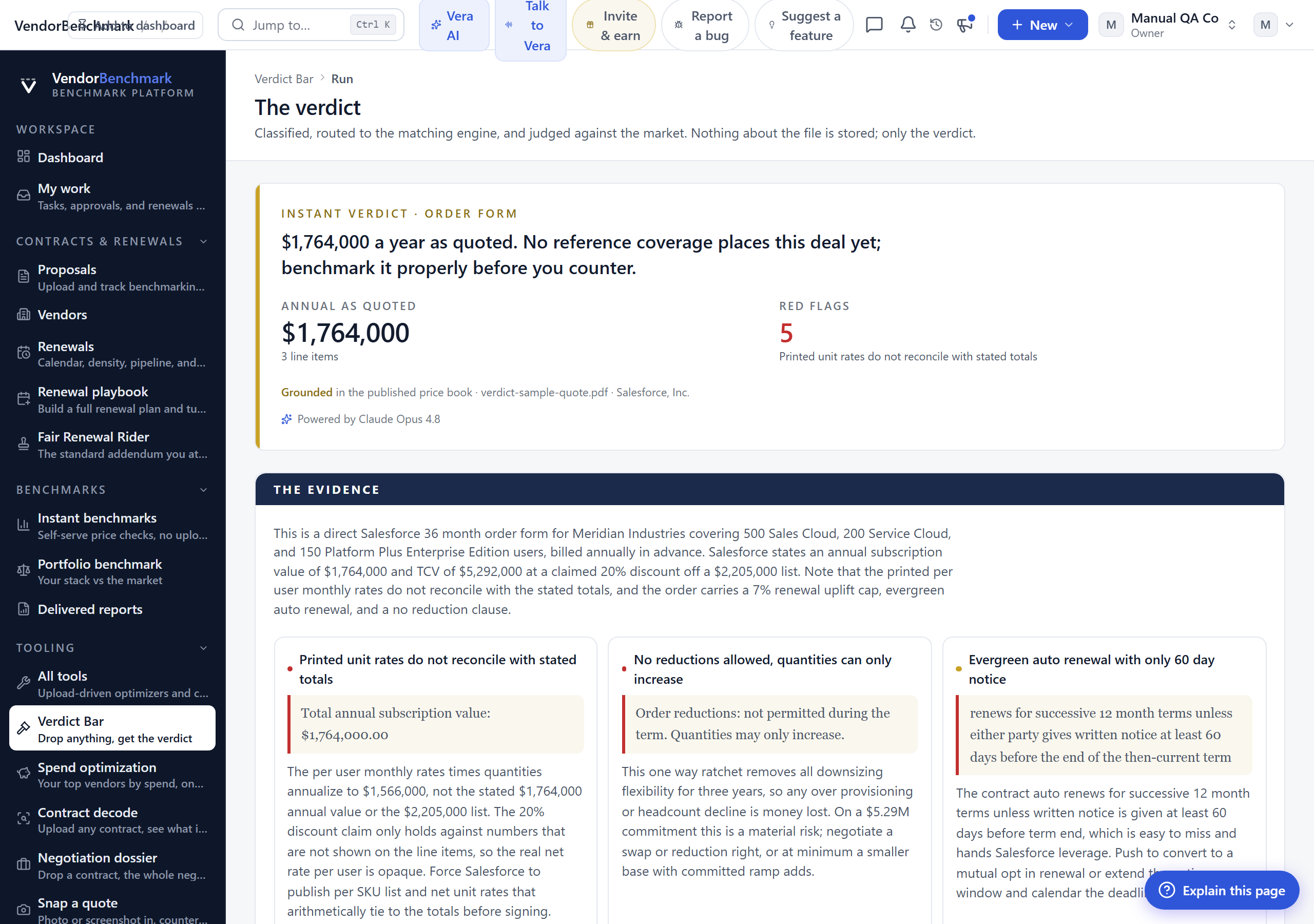
- To judge a specific document instead, drop it into the Verdict Bar: it classifies the file, routes it to the matching engine, and returns a verdict with red flags in about a minute.
- To understand what a contract actually says, run Contract decode: plain-English risks, ten asks with paste-ready language, and a market benchmark.
See also: Instant benchmarks · Verdict Bar · Contract decode
Track agreements and never miss a notice window
Set an agreement up once and let the platform watch the deadline for you.
Steps
- Open Agreements and choose Add agreement.
- Select the vendor, set the expiry date, and choose a 30, 60, or 90 day notice period. Add the annual value so it feeds your spend and portfolio analytics.
- Upload up to five files per vendor for safe keeping.
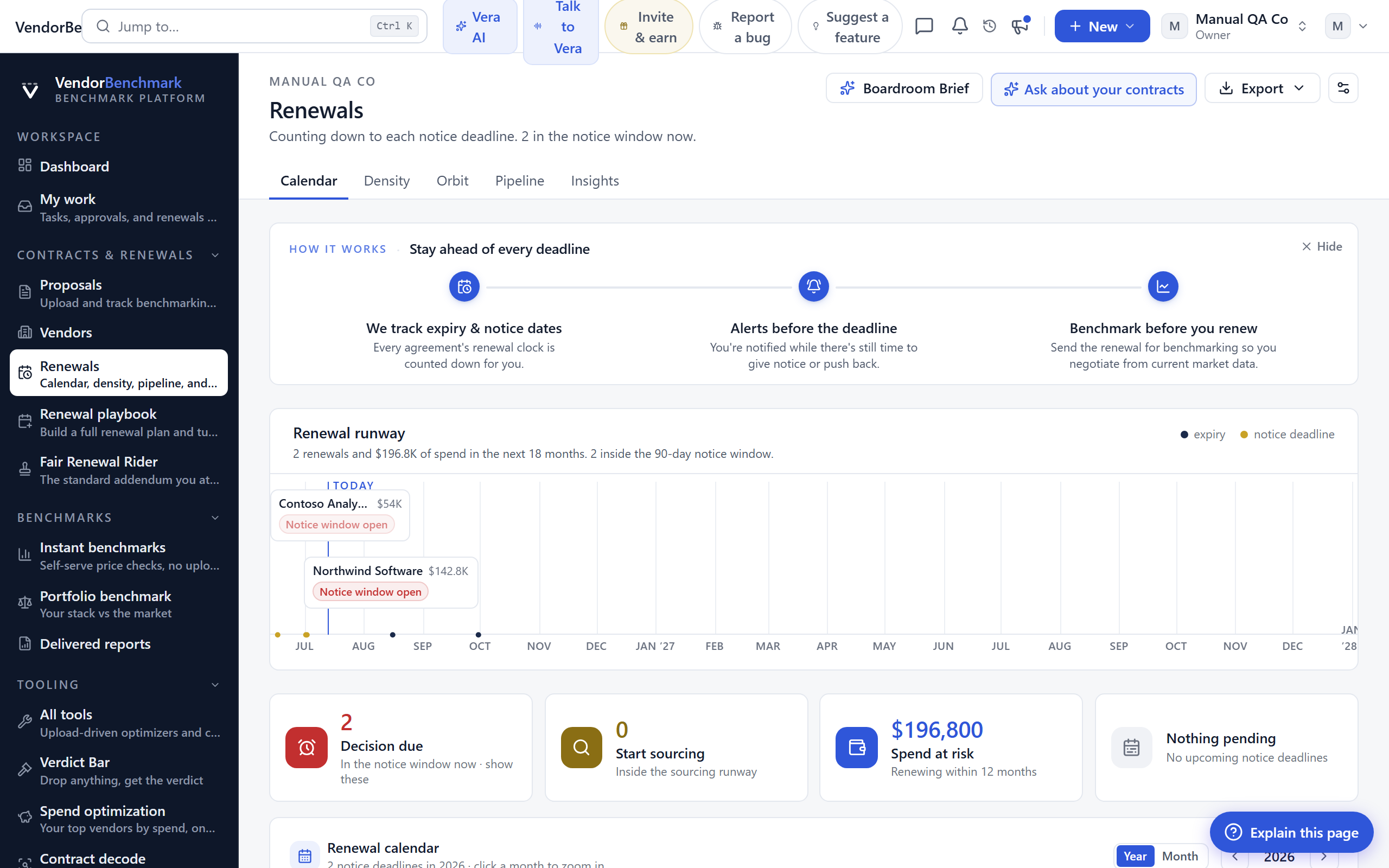
- Open Renewals to see every agreement sorted by expiry, the next deadline on top. When an agreement enters its notice window, your team is emailed automatically.
See also: Agreements · Renewals · Vendor calendar
Plan and run a renewal negotiation
Turn an upcoming expiry into a worked deal with a plan, a mandate, and a record of what was agreed.
Steps
- From Renewals, open the renewal you want to work.
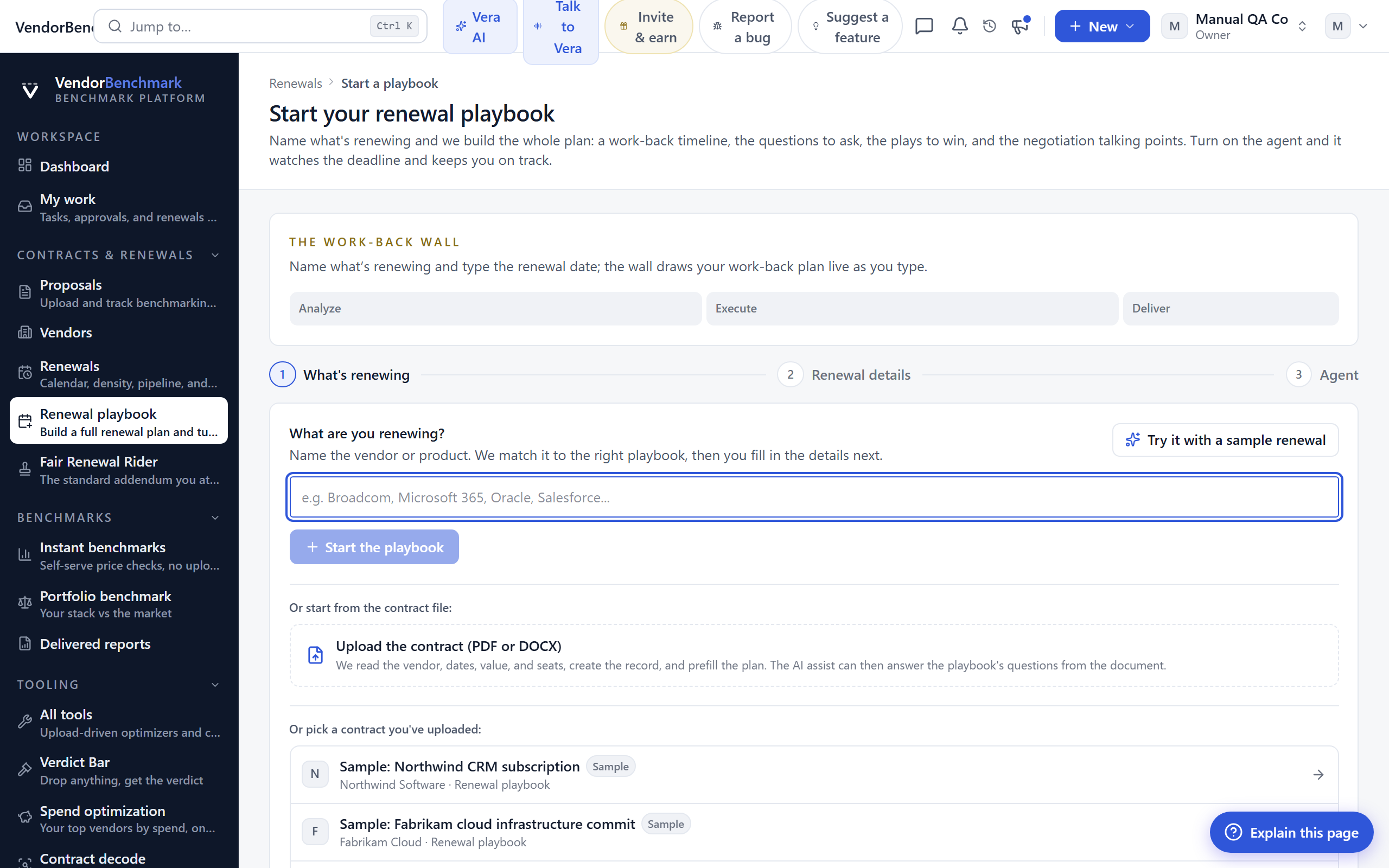
- Build the plan in the Renewal playbook: the step-by-step negotiation plan, the model, and the exec report. Turn on the agent if you want it to prep and remind.
- Set your leverage with the Clause library (your preferred positions) and attach the Fair Renewal Rider so every renewal carries your standard protections.
- Open a tracked Negotiation: set the mandate (target, walk-away, approvals), paste vendor emails for tactic analysis, and log every give and get in the concession ledger.
- Capture what the vendor promised under Commitments so it makes it into the contract. Run a post-mortem when the deal closes.
See also: Renewal playbook · Negotiations · Opportunities
Prove and share your savings
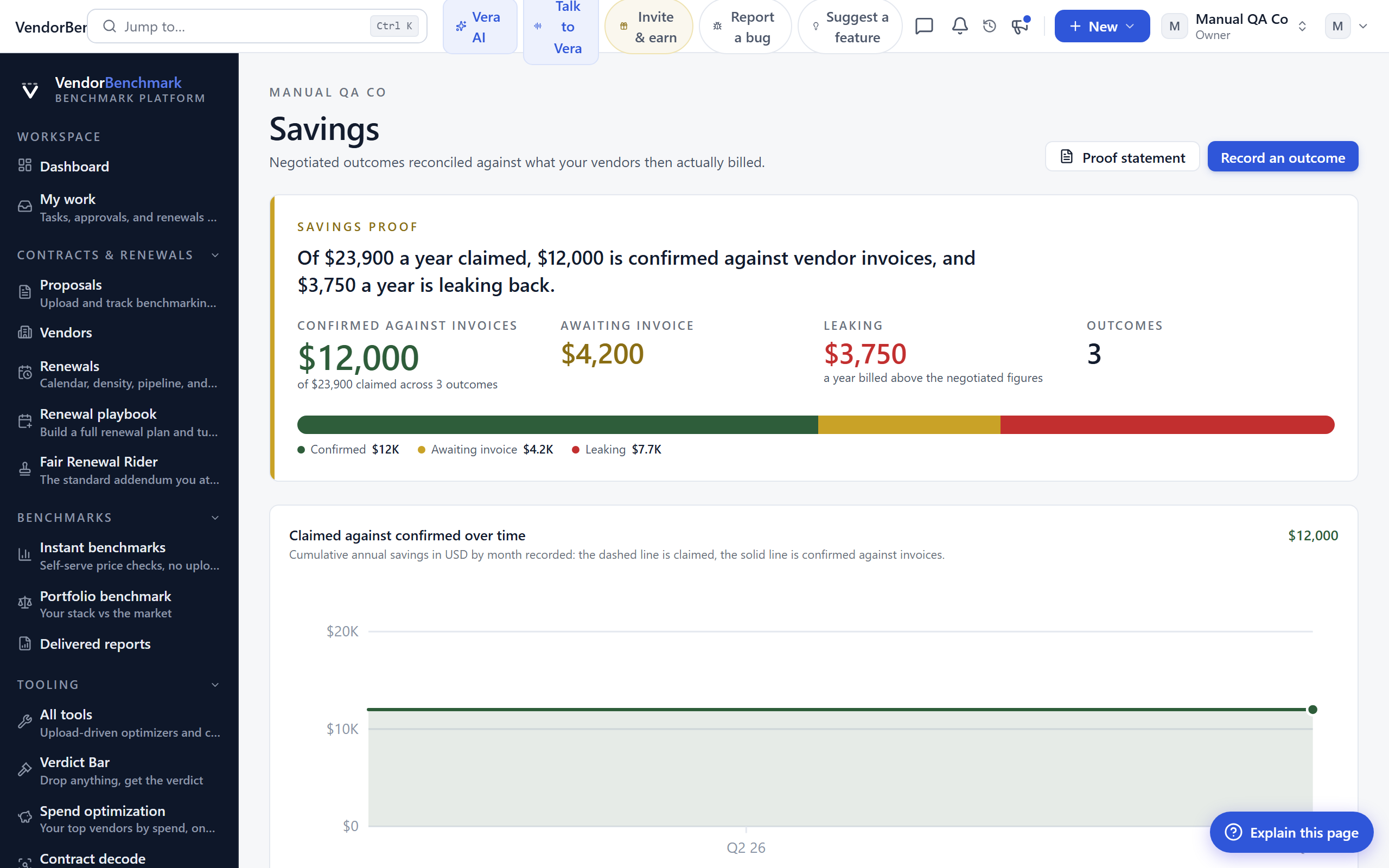
Turn a claimed saving into one proven against real invoices, then a shareable badge.
Steps
- Open Savings proof: each negotiated saving is reconciled against the invoices that followed, so a claim becomes proven or disproven.
- Once a saving is invoice-verified, go to Verified wins and mint a public, revocable badge, and watch your Deal Score against the calibrated corridors.
- Owners can list the organization on the opt-in board under whatever name you choose.
See also: Savings proof · Verified wins · Invoices
Prepare for a vendor meeting
Walk into the call with the numbers already in hand.
Steps
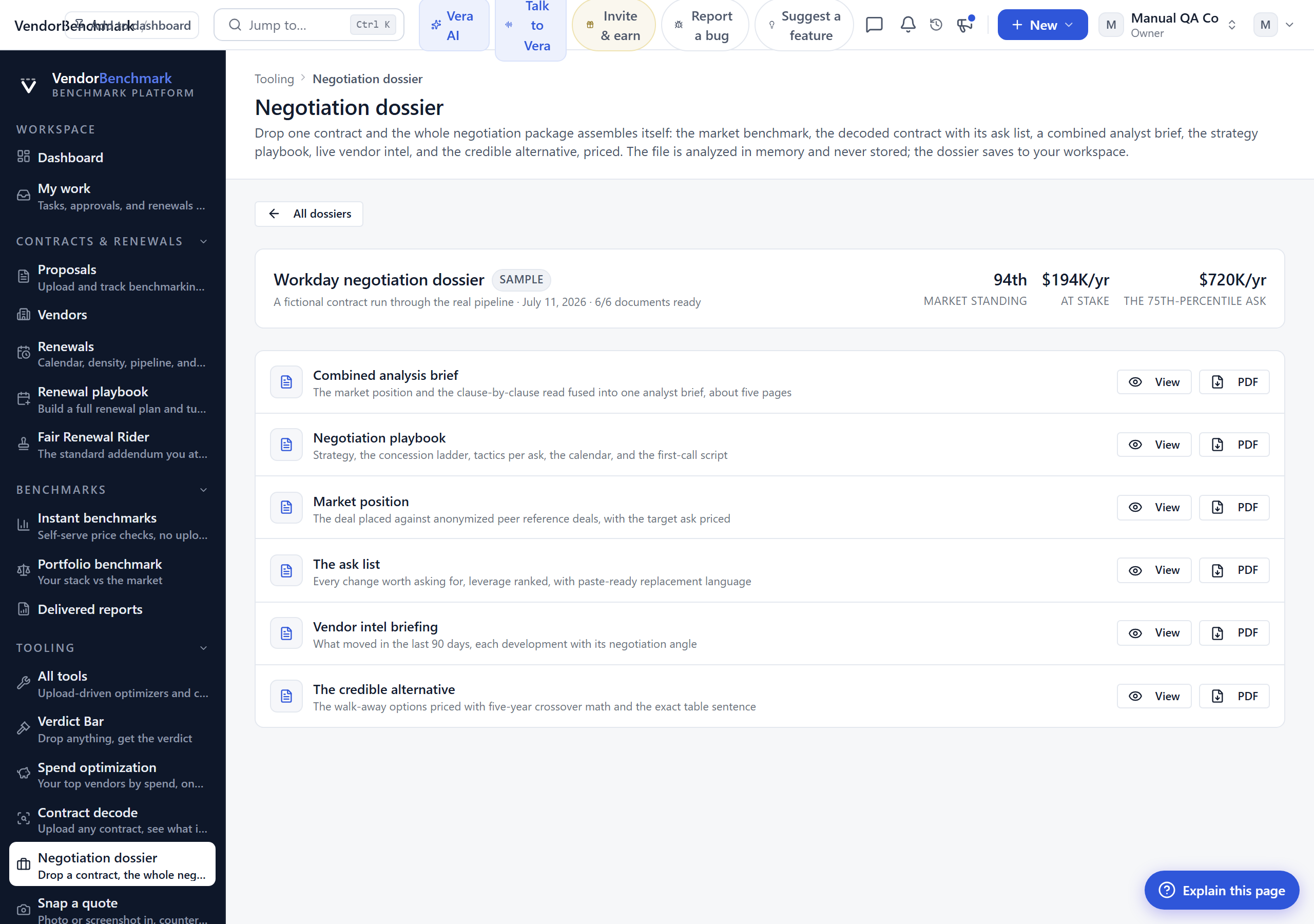
- For a single deal, drop the contract into the Negotiation dossier: one upload assembles the benchmark, the decoded asks, an analyst brief, the strategy playbook, live vendor intel, and the credible alternative priced.
- To have it done for you automatically, connect your calendar so Meeting packs preps a pack before each vendor meeting.
- Check the Vendor calendar to time your ask against the vendor's fiscal quarter end, when discounts run deepest.
See also: Negotiation dossier · Meeting packs
Set up your workspace (owners)
The one-time setup an org owner does so the whole team gets value. These steps need owner access.
Steps
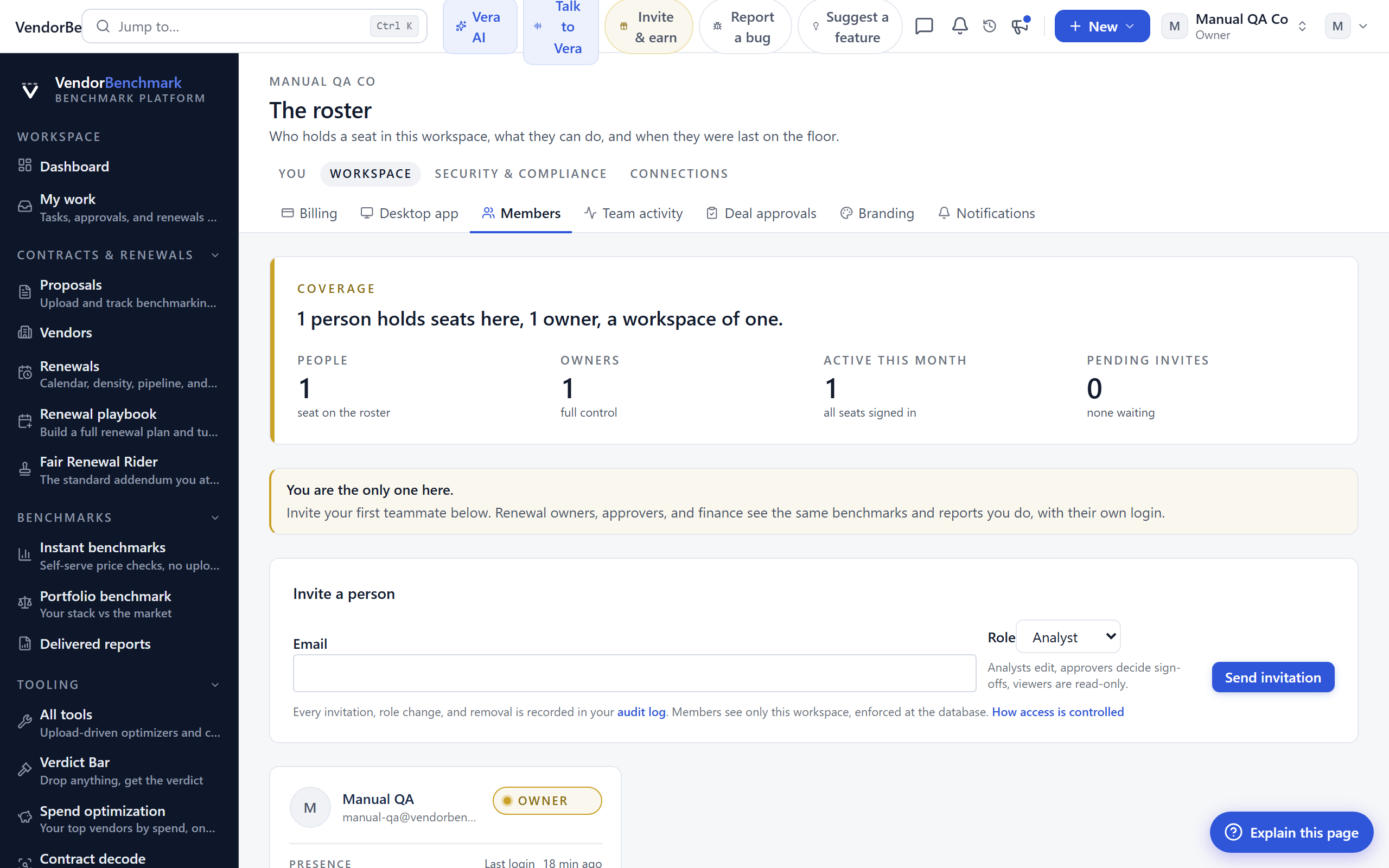
- Invite your team under Members and set each person's role.
- Connect your systems under Integrations: SAM and ITAM sources, storage, Slack, and Teams.
- Turn on Single sign on (SAML or OIDC) and review Data controls for retention and export.
- Set Branding so exported reports carry your identity, and tune Notifications and alert rules.
- Load the sample portfolio from the dashboard to explore, then remove it before entering real data.
See also: Settings & account · Getting started